ACE Creating SSH Key Pair
Last updated: July 30, 2025
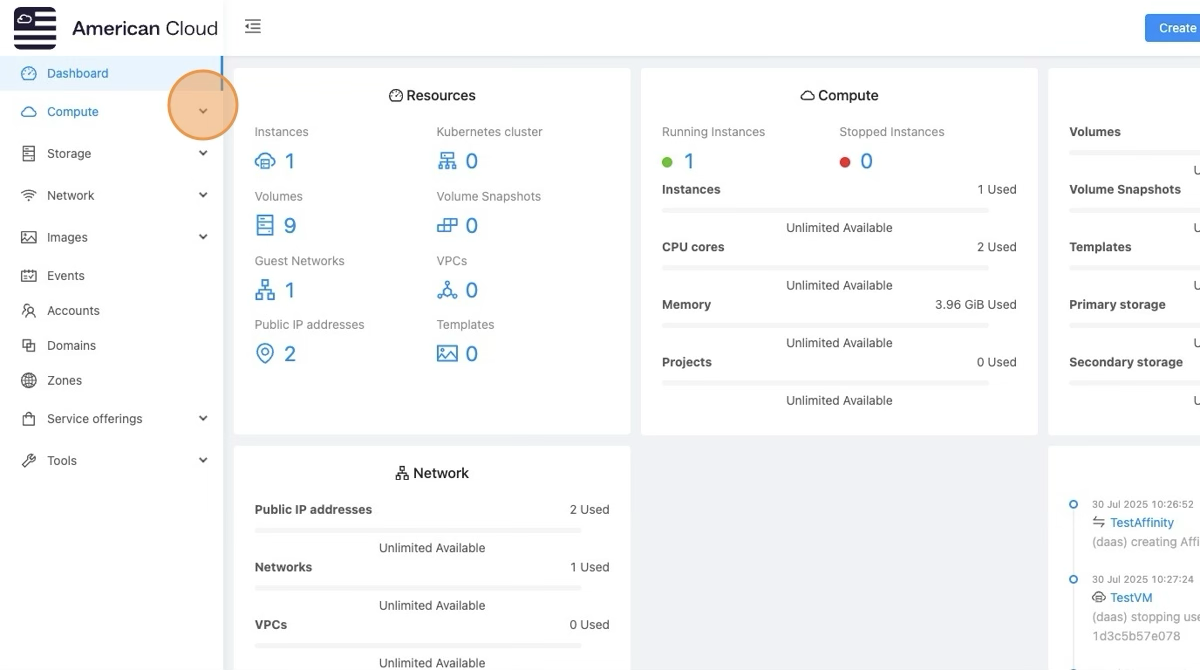
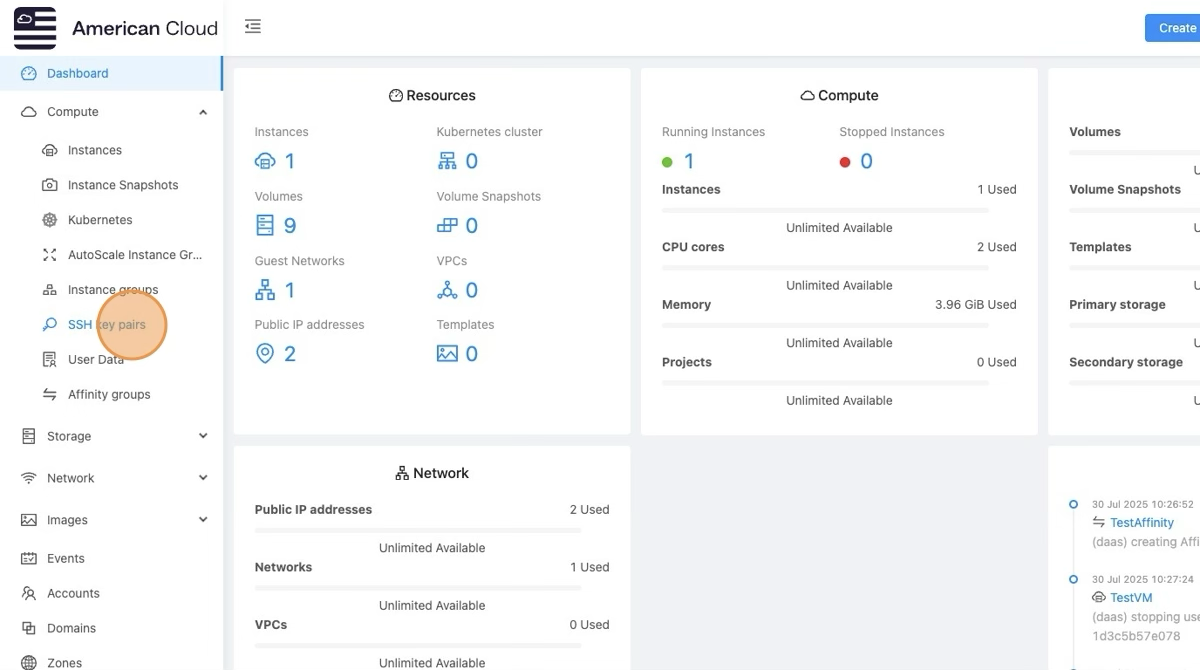
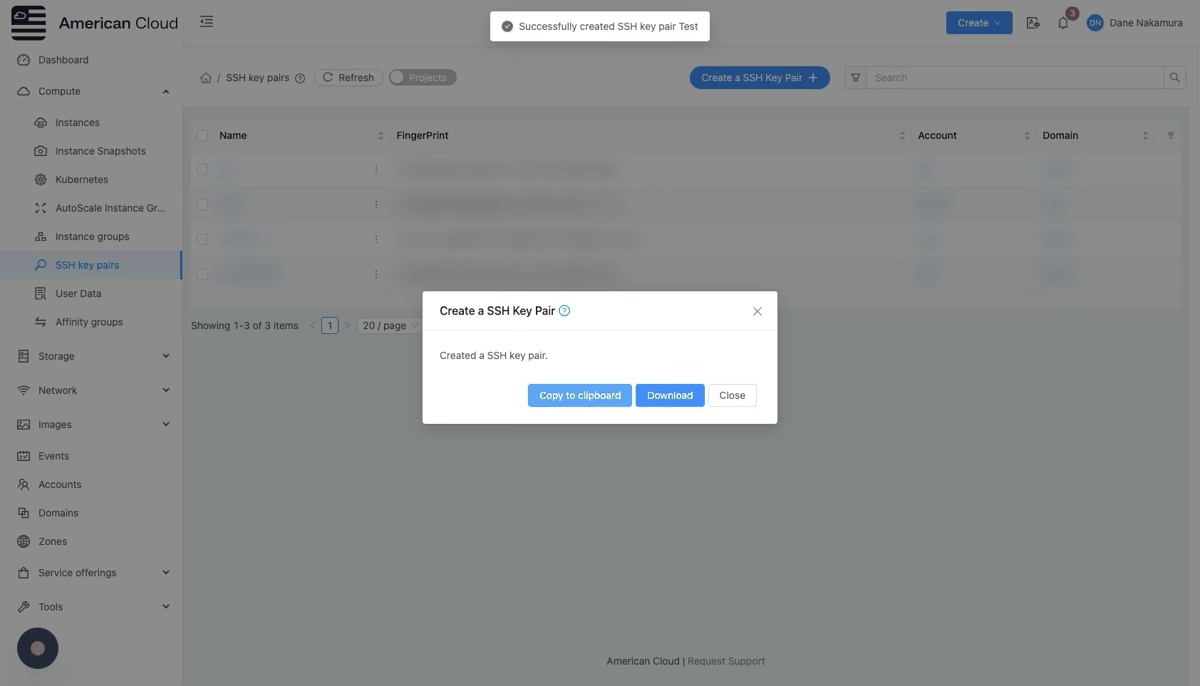
Go to Compute → SSH Keypairs
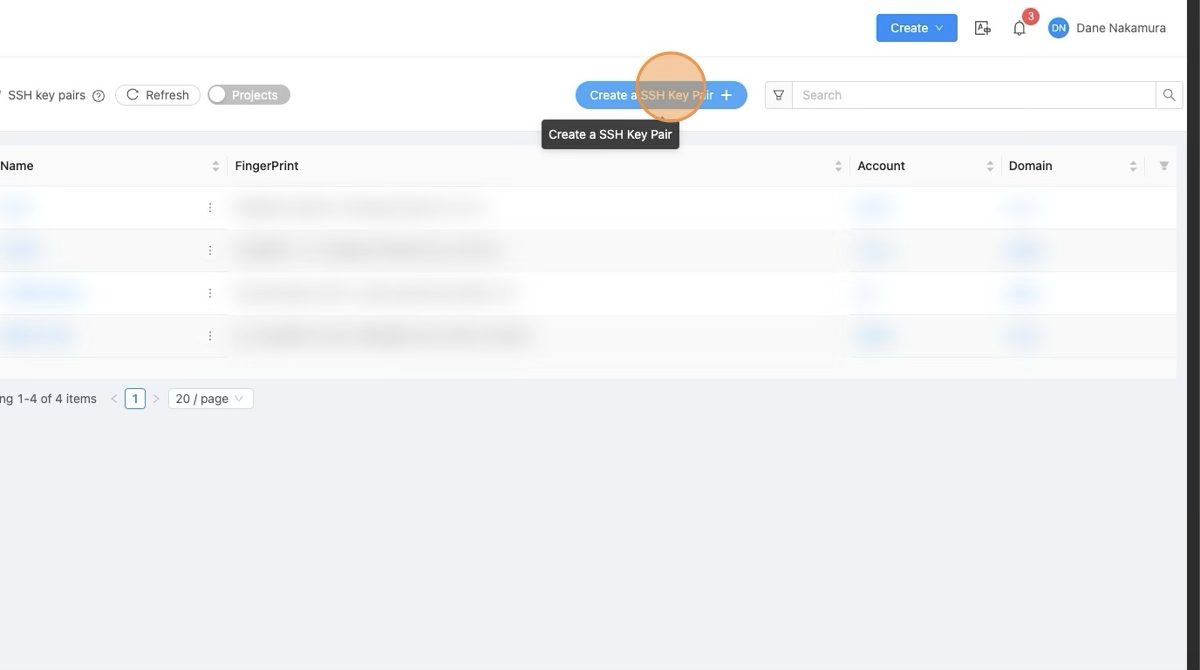
Click Create SSH Keypair.
You'll have two options:
Create a new keypair: ACE will generate a keypair and give you the private key.
Import an existing public key: If you already have a key, paste the public key here.
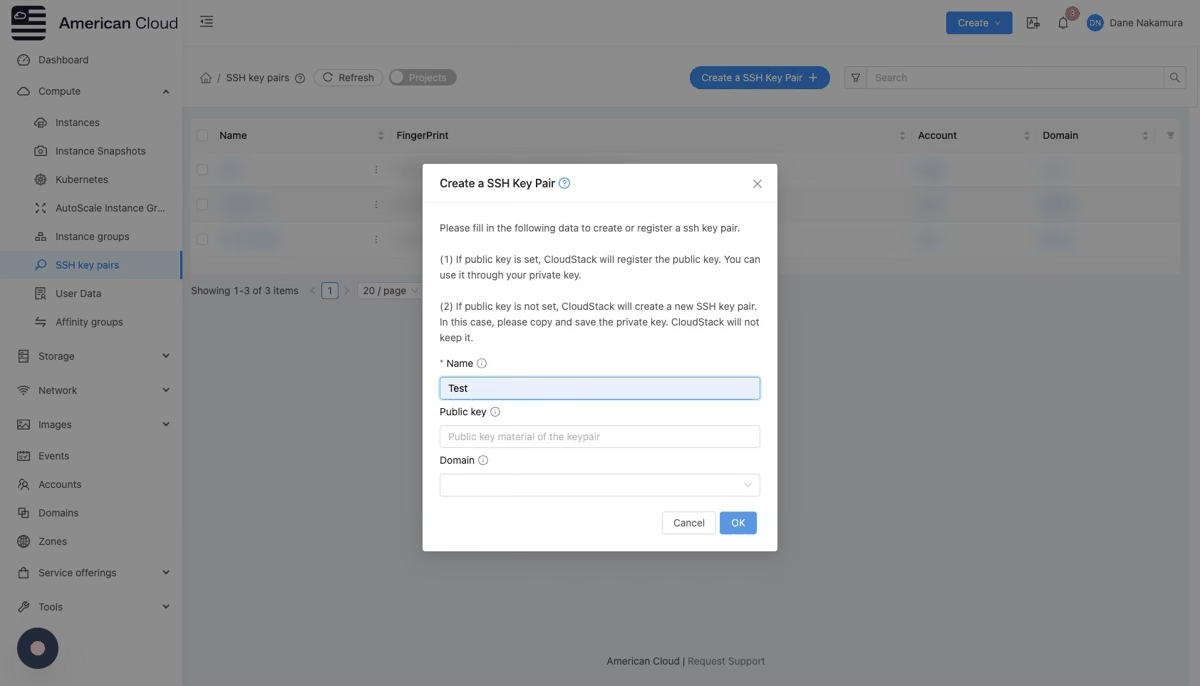
After saving, the keypair is associated with your CloudStack account.
💡 When you launch a VM, select this keypair in the "SSH Keypair" dropdown. ACE will automatically place the public key into the VM's authorized keys.
Notes
Always back up your private key securely.
CloudStack stores only the public key.
The keypair must be selected when creating the VM to be injected into the instance.
[ On this page ]